Product Design
Multi-Platform
Accessibility
Design Systems
DirecTV Now
Adapting a streaming experience across platforms, devices and the constraints of modern plug-and-play streaming technology.
Industry
Streaming / Entertainment
Role
Timeline
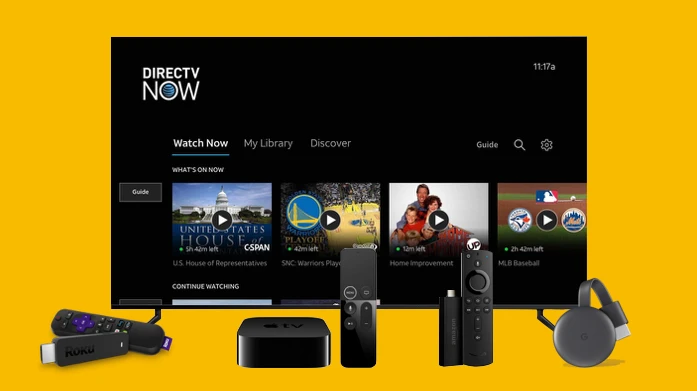
DirecTV Now had an established core experience across iOS, tvOS and web, but expanding to additional platforms introduced a new set of challenges. Each device came with different screen sizes, operating systems, input methods, technical limitations and native interaction patterns.
The challenge was to preserve a consistent product experience while making it feel natural on each platform, from remote controls and gamepads to voice search and accessibility hardware.
I adapted the core DirecTV Now experience across Android, Roku, FireTV, Xbox, Samsung Tizen and LG WebOS. Each design sprint consisted of designing platform-specific navigation, interactions and UI patterns while maintaining consistency with the established product system and new interations.
I also worked across accessibility and performance, defining closed-captioning customisation, screen-reader behaviour and Xbox Adaptive Controller support, while creating lighter experiences for lower-powered devices by removing non-essential visual effects and animations.

The work established a consistent DirecTV Now experience across a broad ecosystem of devices without treating every platform as a simple port of the original product.
The resulting UX and UI specifications gave engineering teams clear direction for implementing platform-specific experiences while maintaining a cohesive product language. The project also expanded the experience to support accessibility regulations and a wider range of device capabilities.
Let's dig deeper.
One Experience, Every Screen
DirecTV Now was a “cable-like” streaming experience being expanded across a huge range of devices.
The core experience had already been established by AT&T. My role was to adapt it across Android, Roku, Fire TV, Xbox, Samsung Tizen and LG WebOS, while maintaining the same product experience across very different platforms.
Understanding the Platforms
I started by researching each platform's design conventions, hardware capabilities and input methods.
This meant understanding everything from remote controls and D-pads to game controllers, keyboards and voice input.
The goal was to identify where the experience could remain consistent and where it needed to change.

Designing for Different Inputs
The same action could require completely different interactions depending on the device.
TV platforms relied heavily on D-pad navigation and dedicated playback controls, while Xbox and Fire TV could introduce game controllers and voice search.
Rather than forcing one interaction model everywhere, I adapted the UX around the native behaviours of each platform.
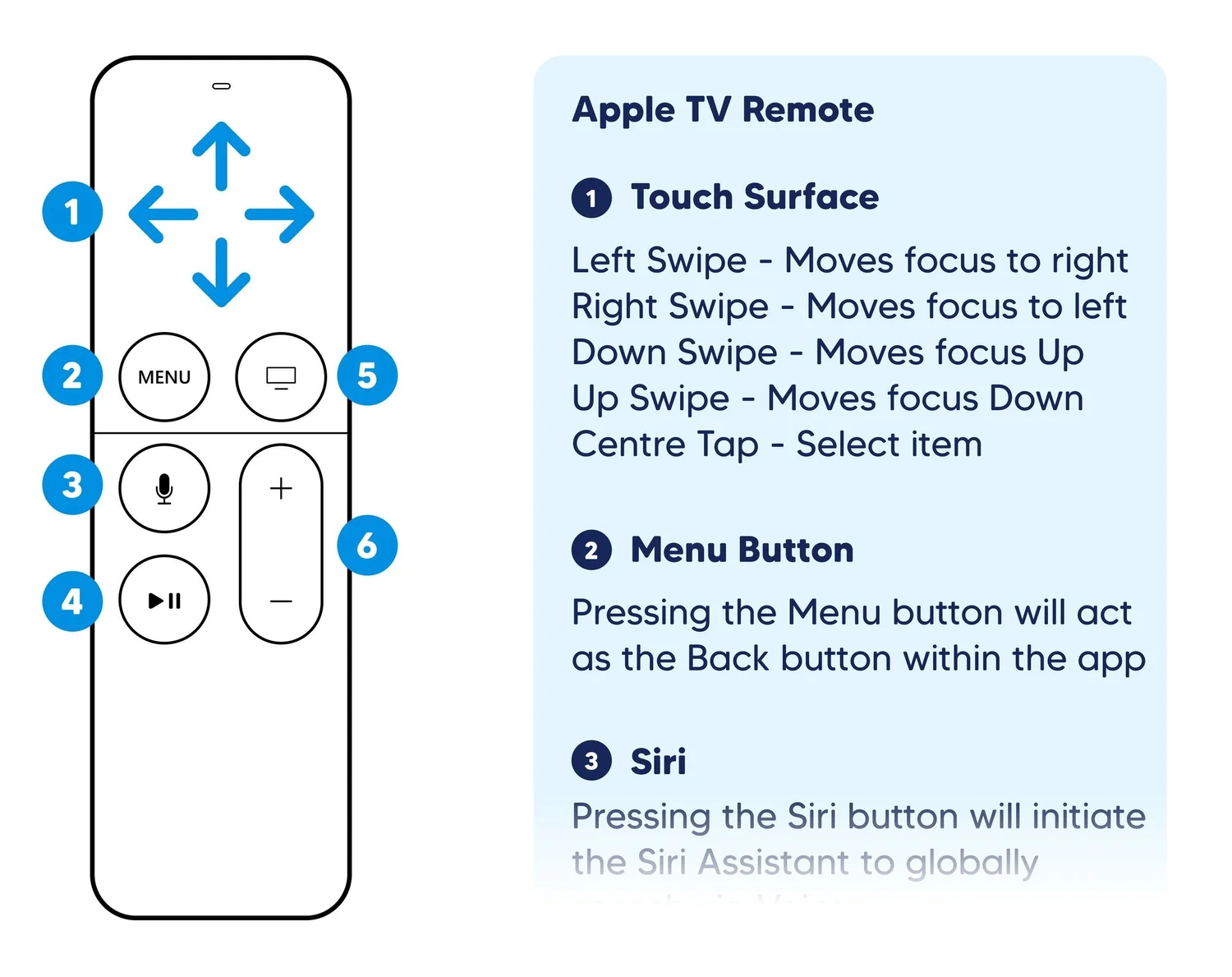
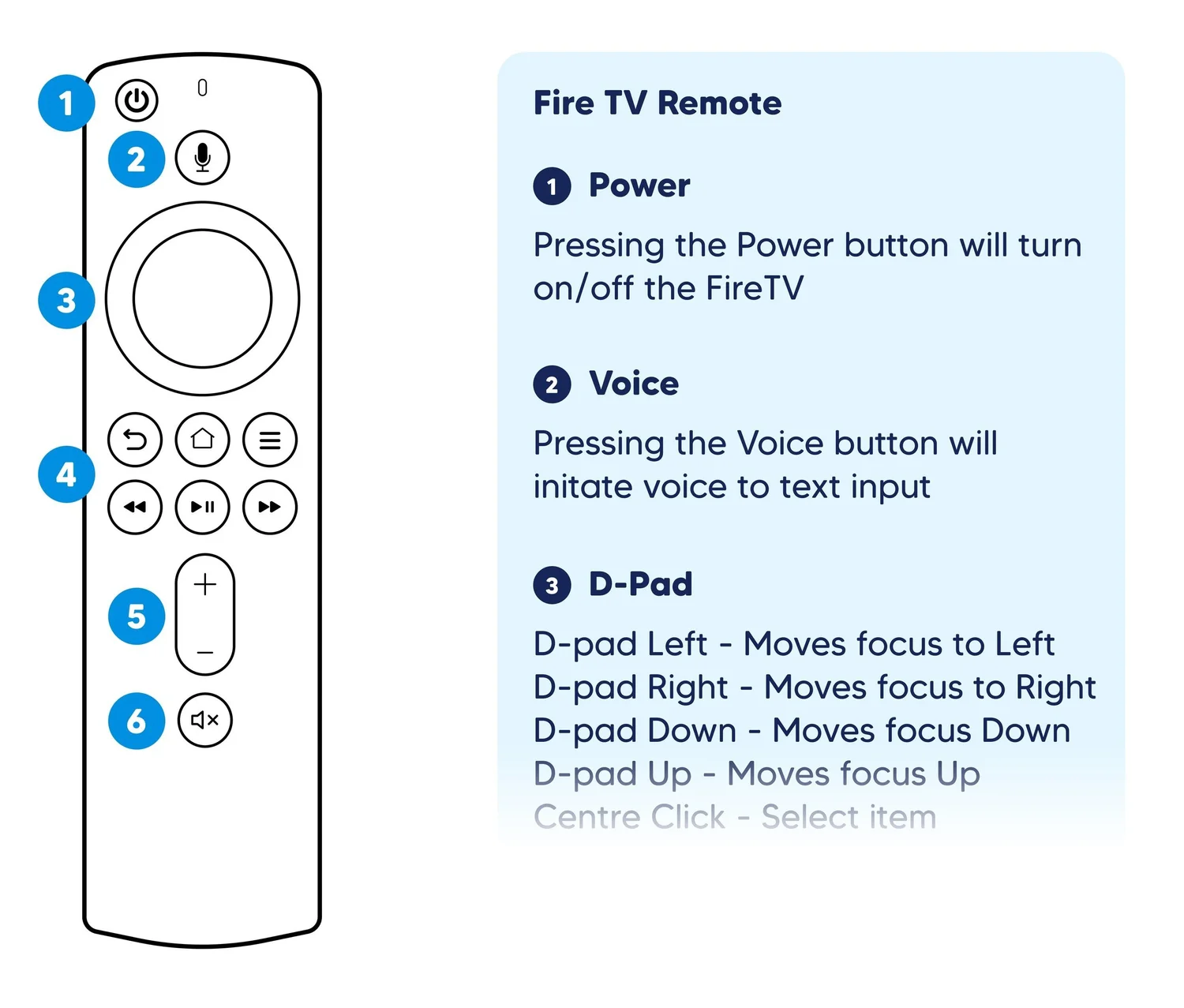
Remote Functions - UX Adaptation
Designing for Accessibility
Accessibility was treated as part of the core experience rather than an afterthought.
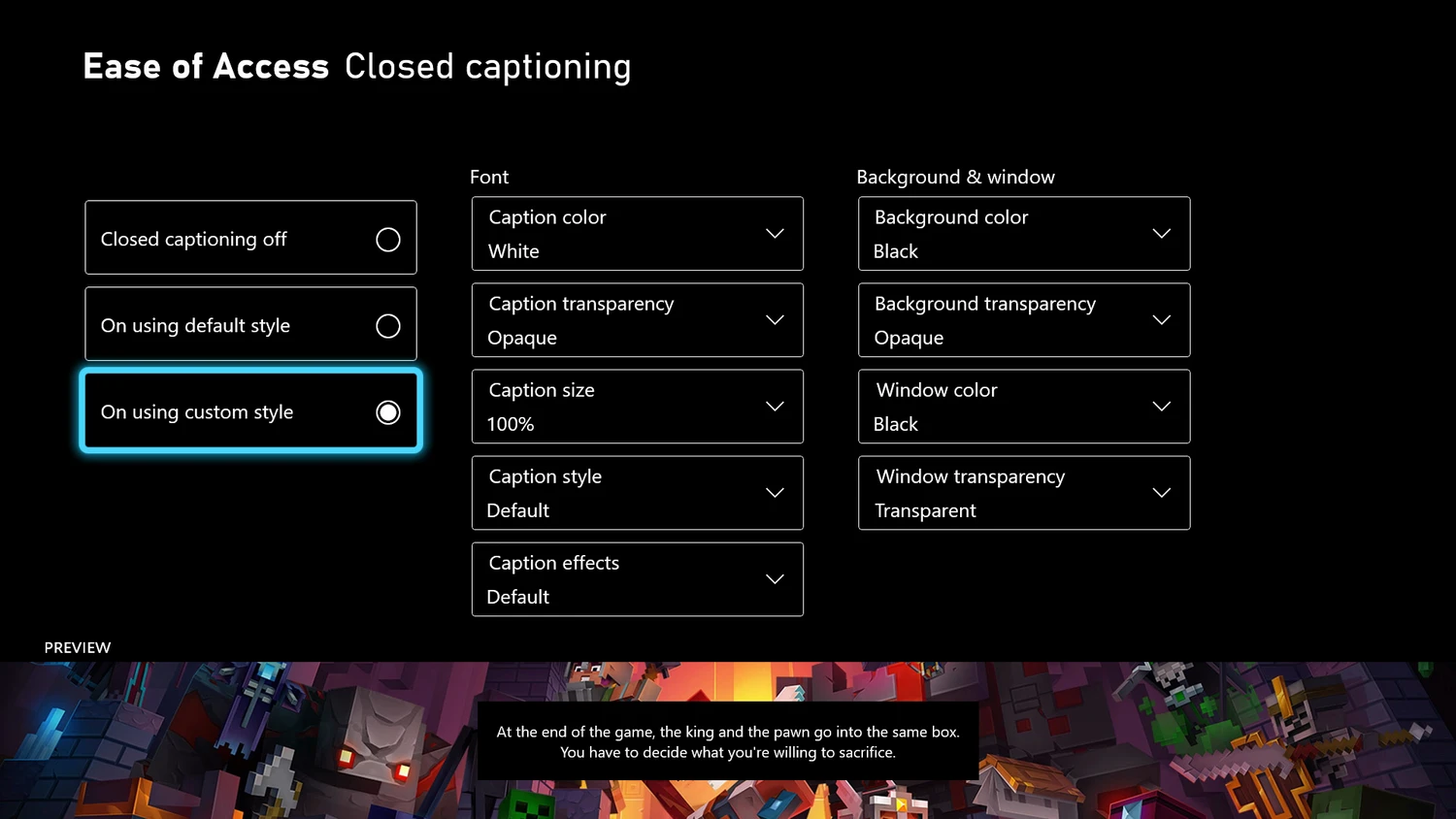
I developed specifications for closed captioning, screen readers and alternative input methods, including Windows Narrator, Android TalkBack and the Xbox Adaptive Controller.
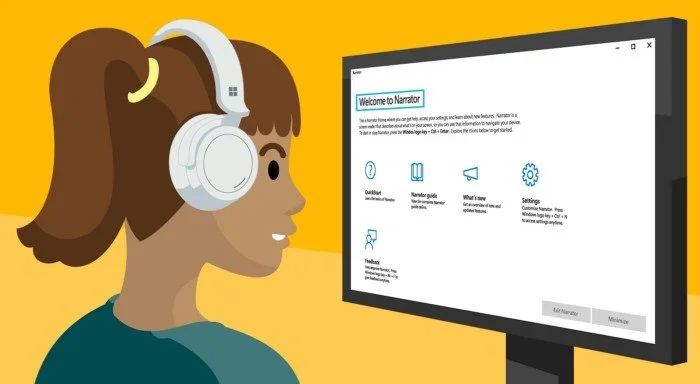
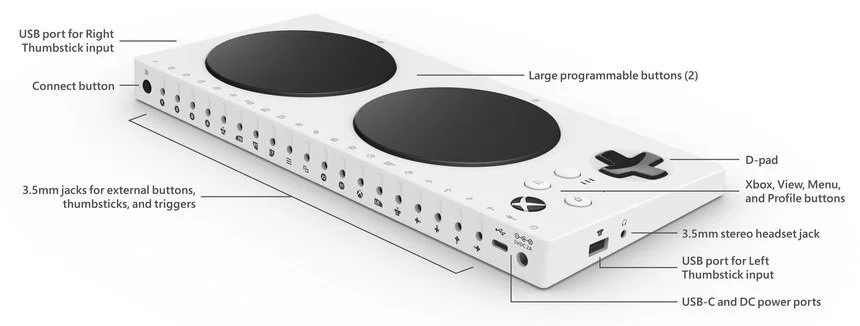
The work included detailed caption customisation and navigation requirements to help make the experience usable by a wider range of viewers.
Designing for Performance
Not every device had the same capabilities.
Older and lower-powered hardware couldn't always support the visual effects used on newer platforms.
I created specialised UX and UI specifications that identified where non-essential elements could be removed, this included background video, transparency, gradients and complex transitions.
Same experience. Smarter delivery.
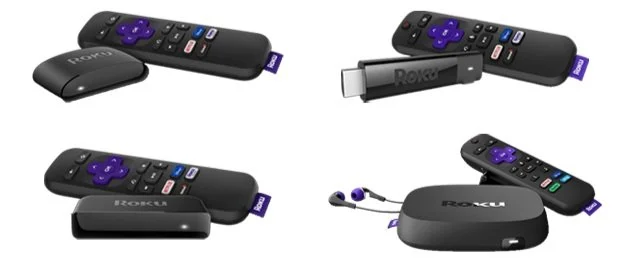
Lower powered devices are still able to deliver a fluid DirecTV Now experience by removing non-essential assets
Exploring VR
The project also extended beyond traditional screens.
Drawing on my VR design experience, I defined UX principles and recommendations for a potential DirecTV Now VR experience.
This included research into onboarding, navigation, immersive environments, user repositioning and content presentation.
The work gave the development team a framework for thinking about how a familiar streaming experience could translate into an immersive environment.
Working at Speed
The work was delivered through structured two-week design sprints.
Each sprint moved from research and planning through wireframes, high-fidelity UI, documentation, client reviews and final delivery.
This created a tight rhythm between design, engineering and the client team while allowing platform adaptations to progress in parallel.
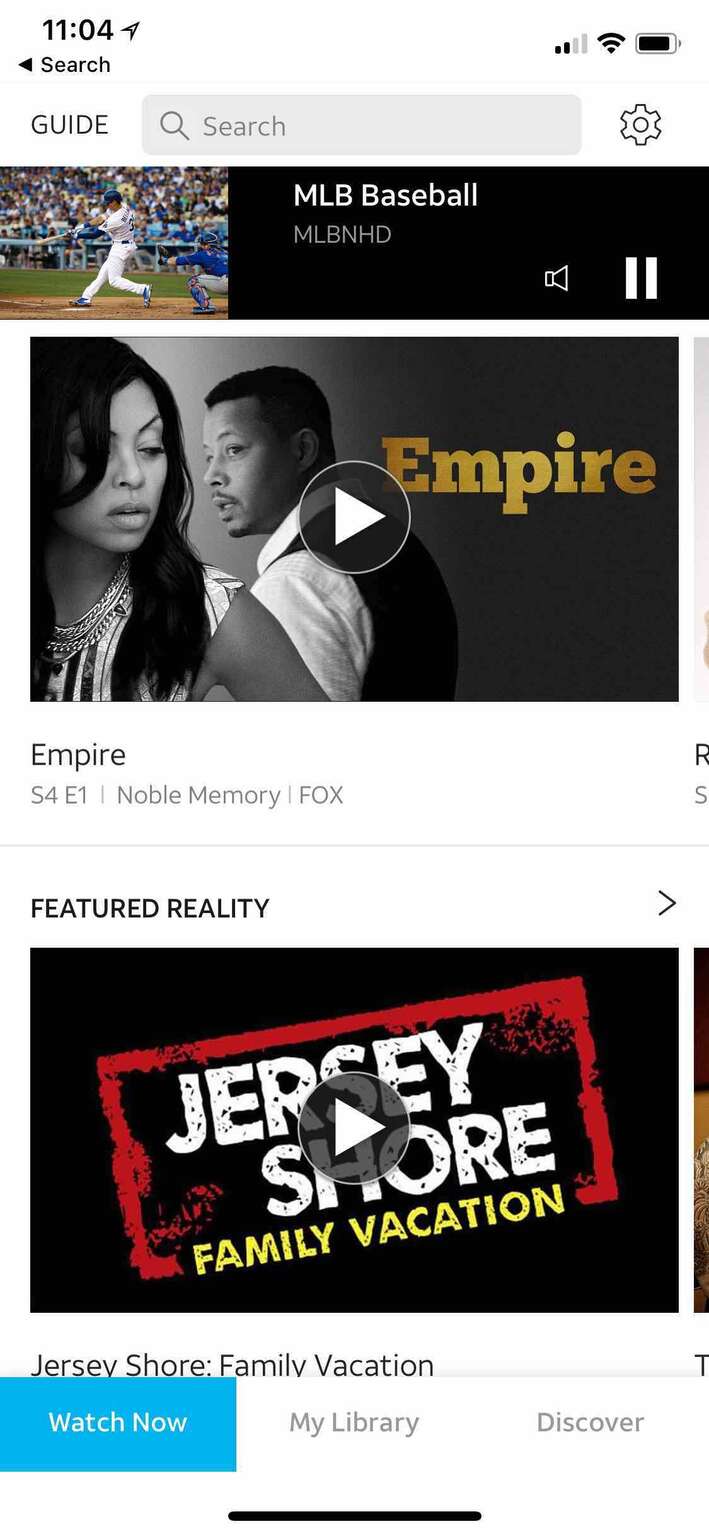
Home - Mobile
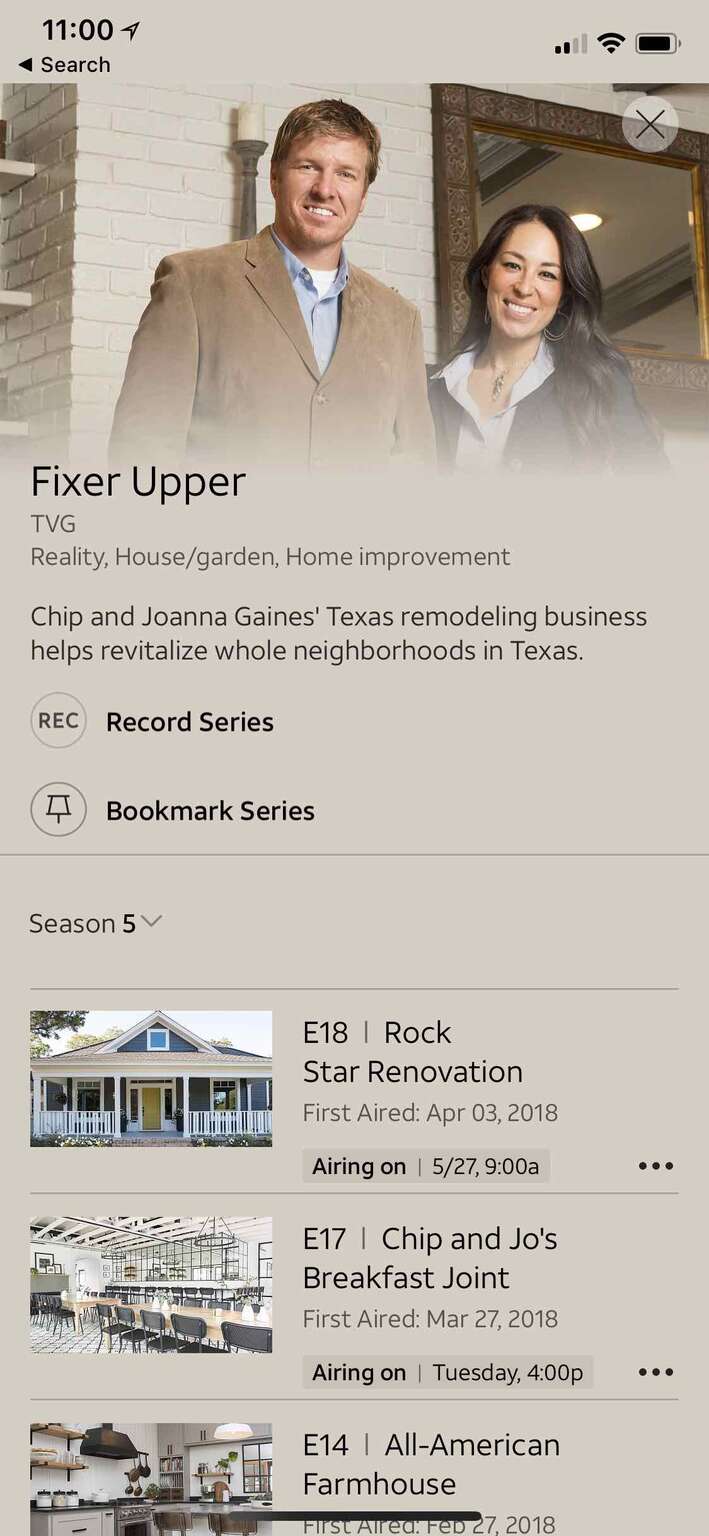
IDP - Mobile
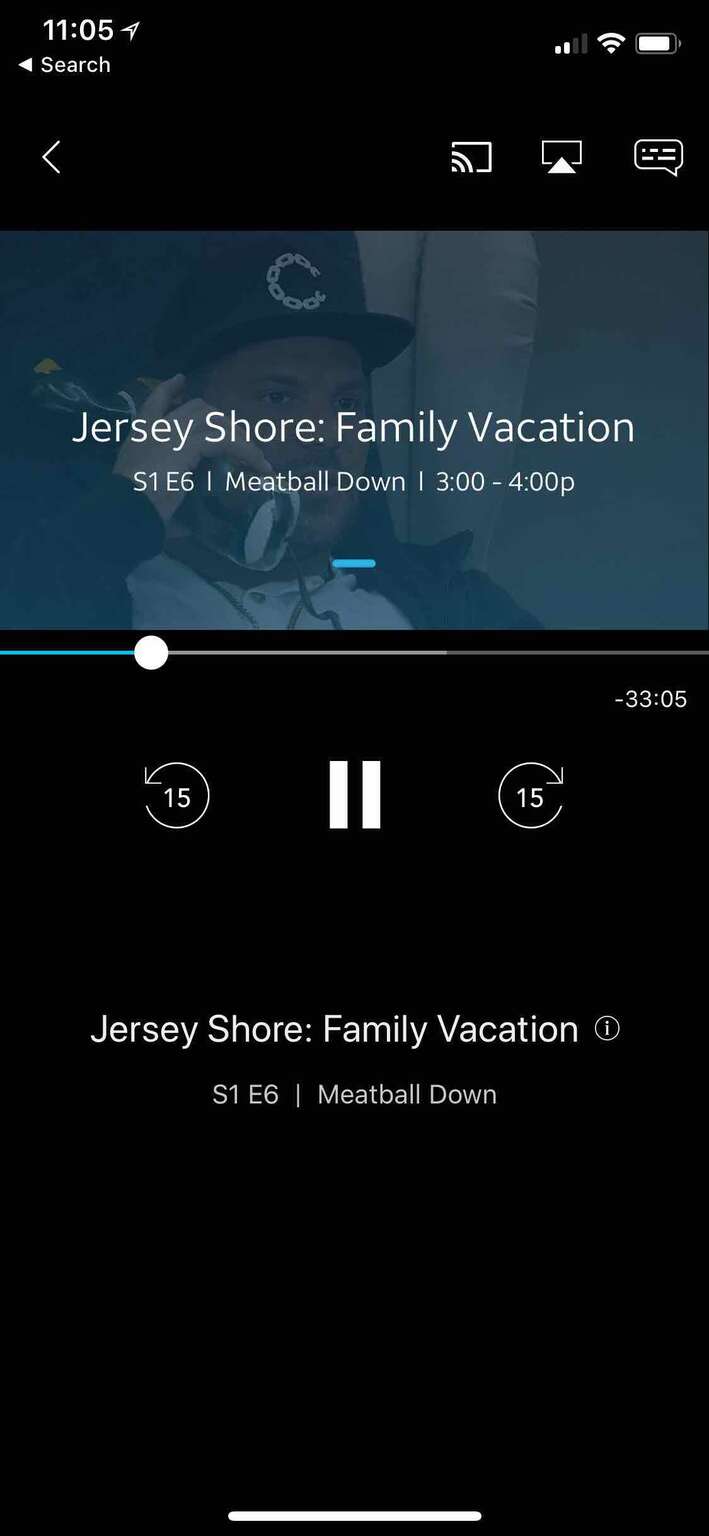
Video Player - Mobile
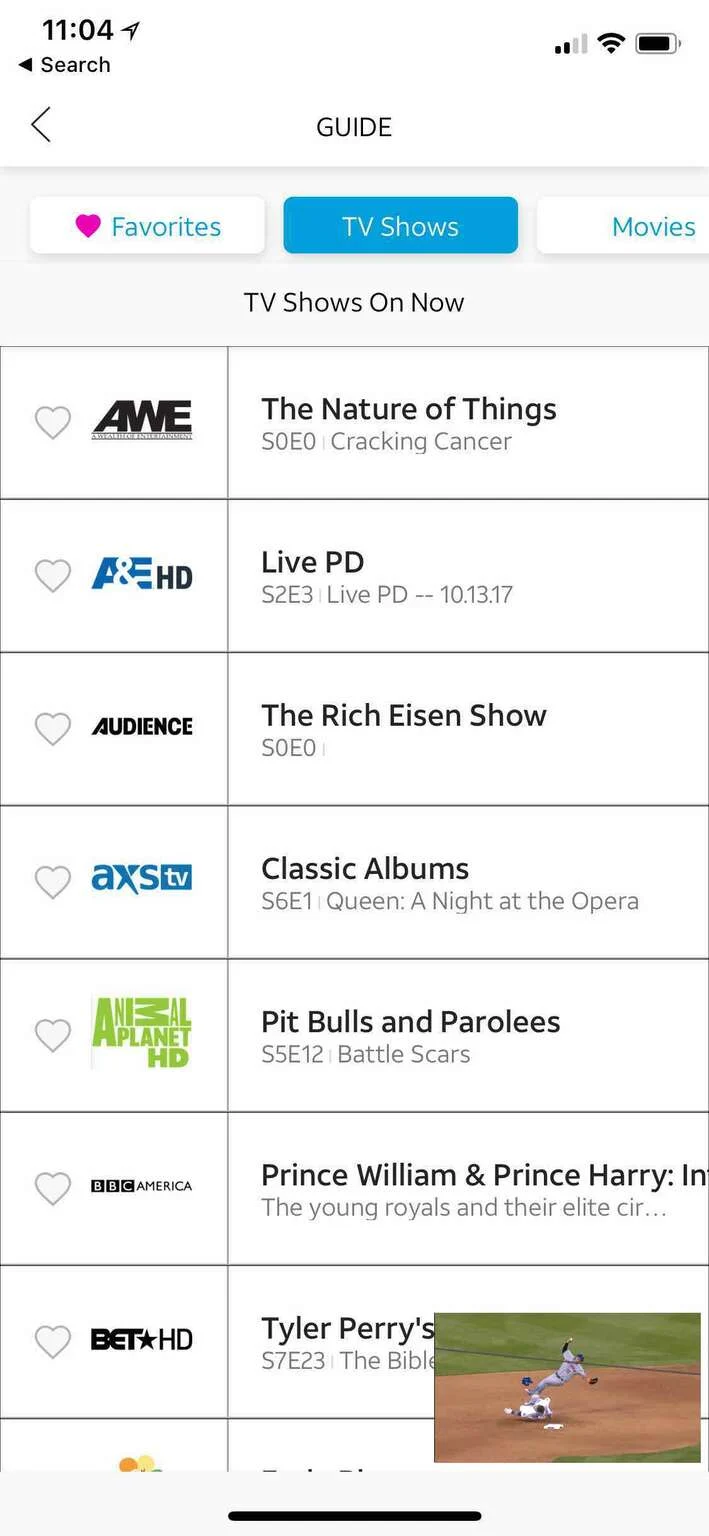
Guide - Mobile
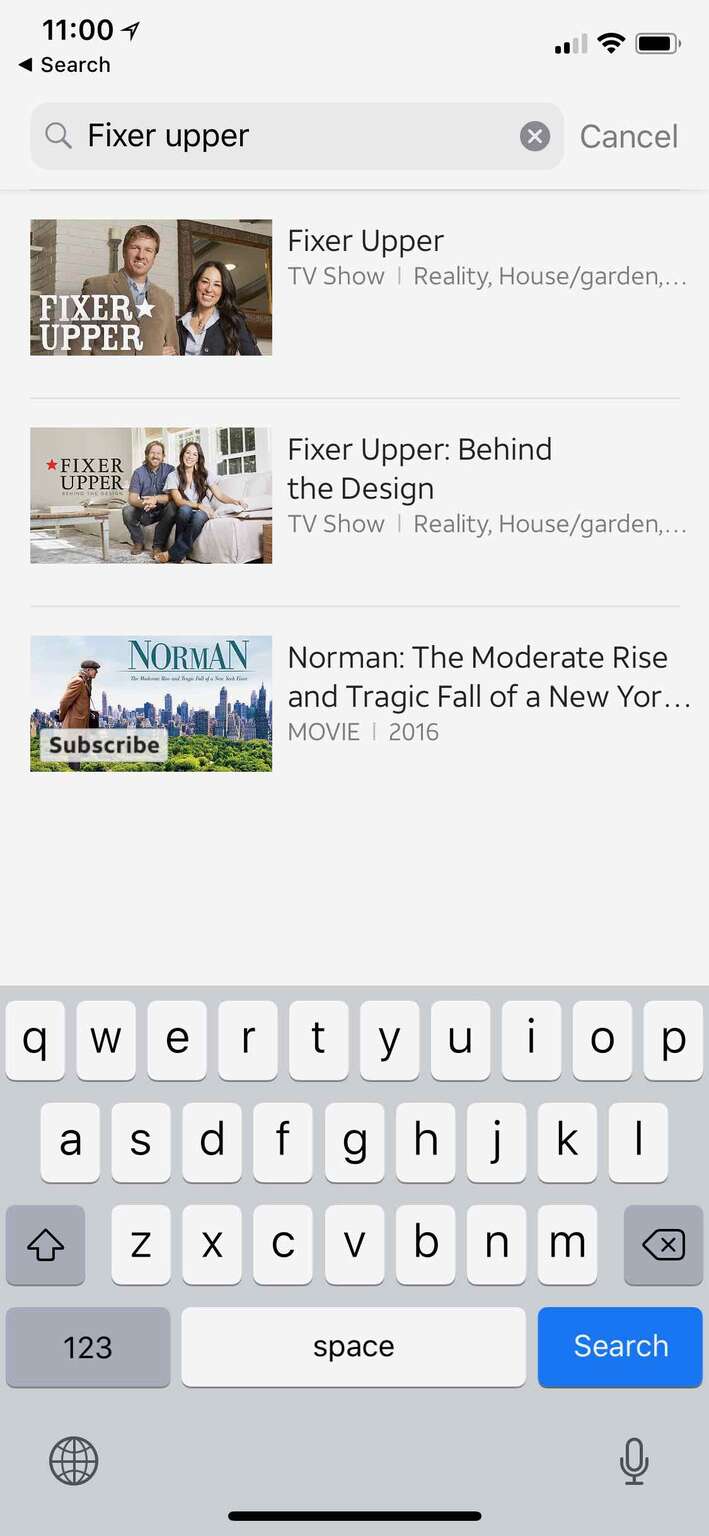
Search - Mobile
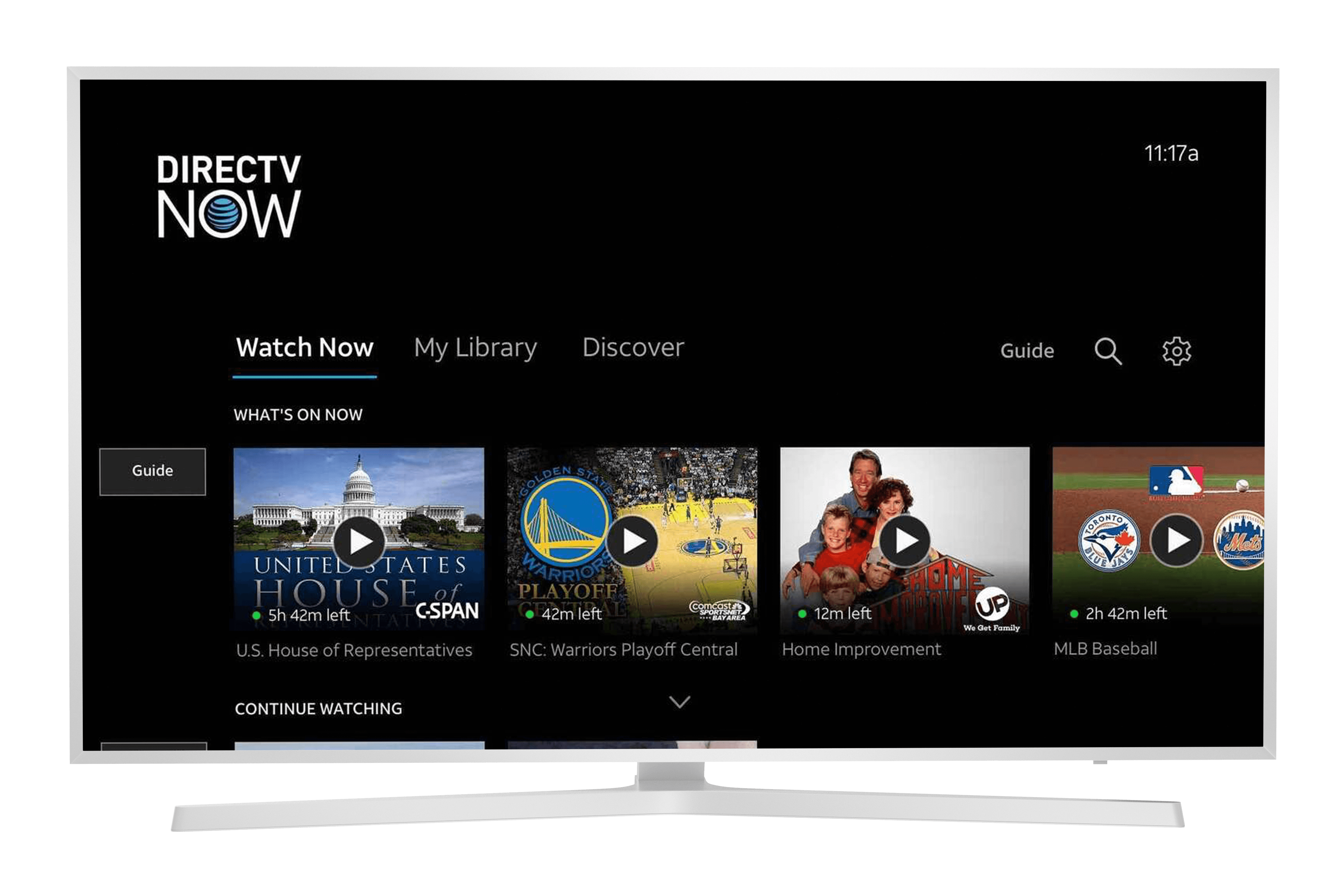
Home - TV
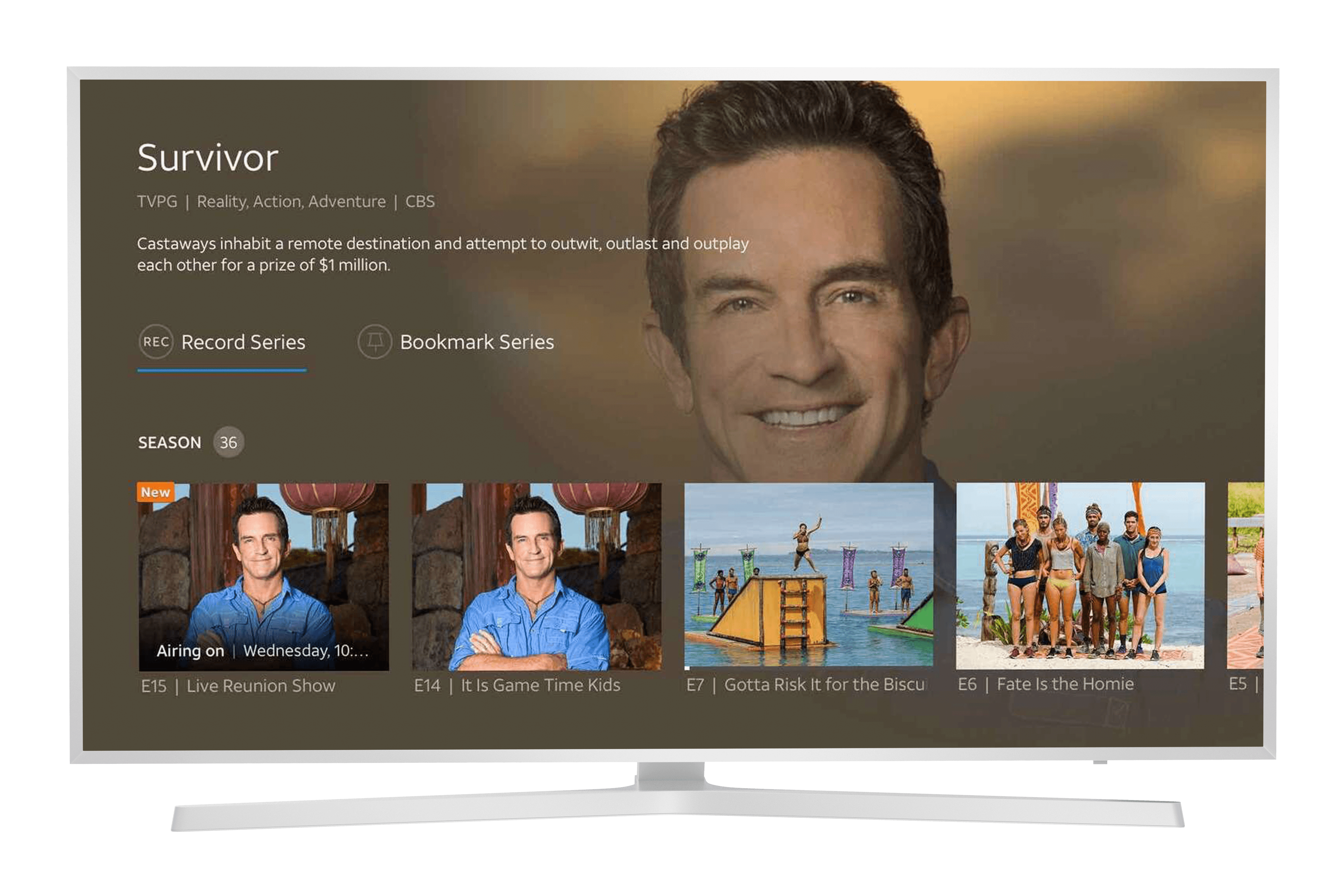
IDP - TV
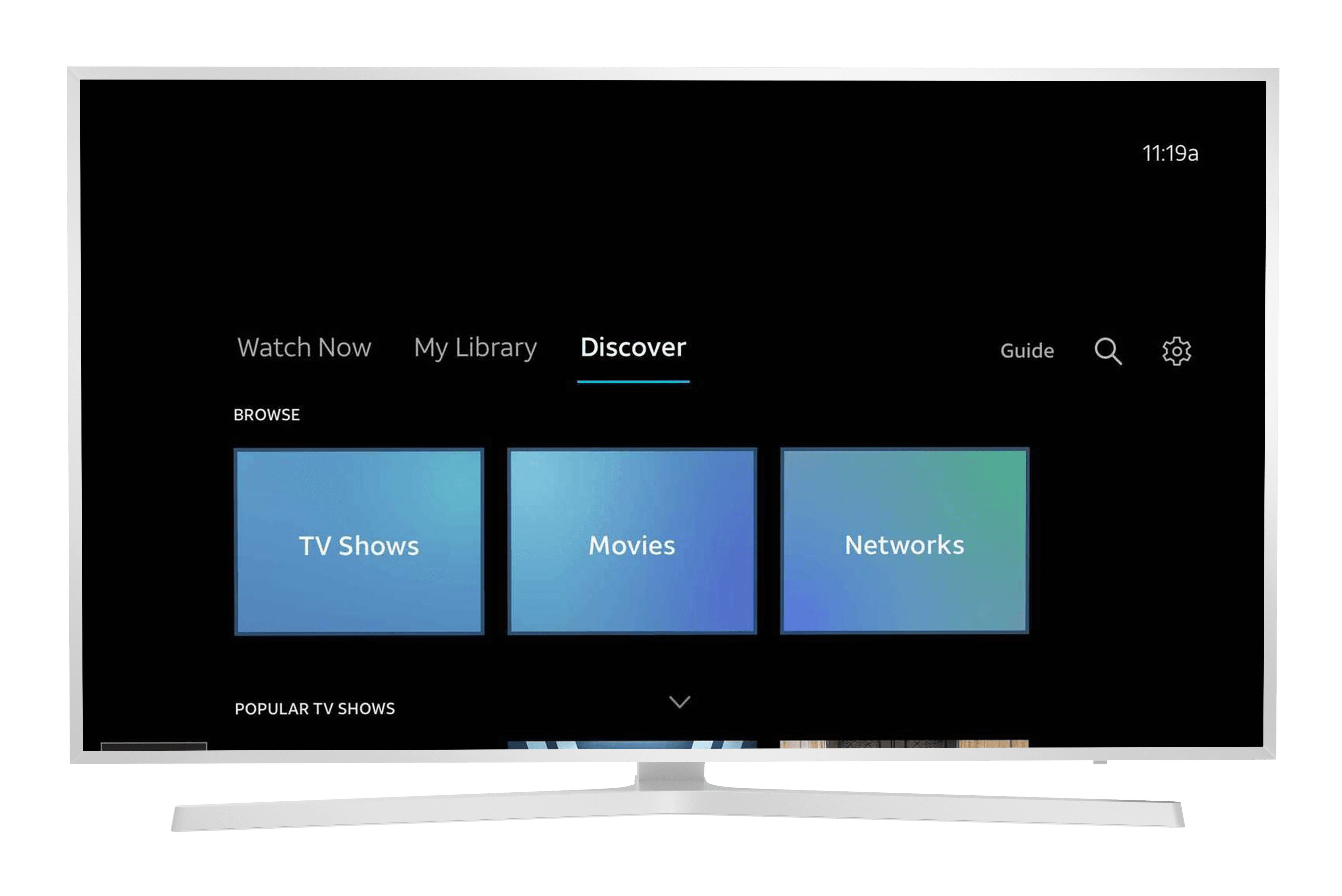
Browse - TV
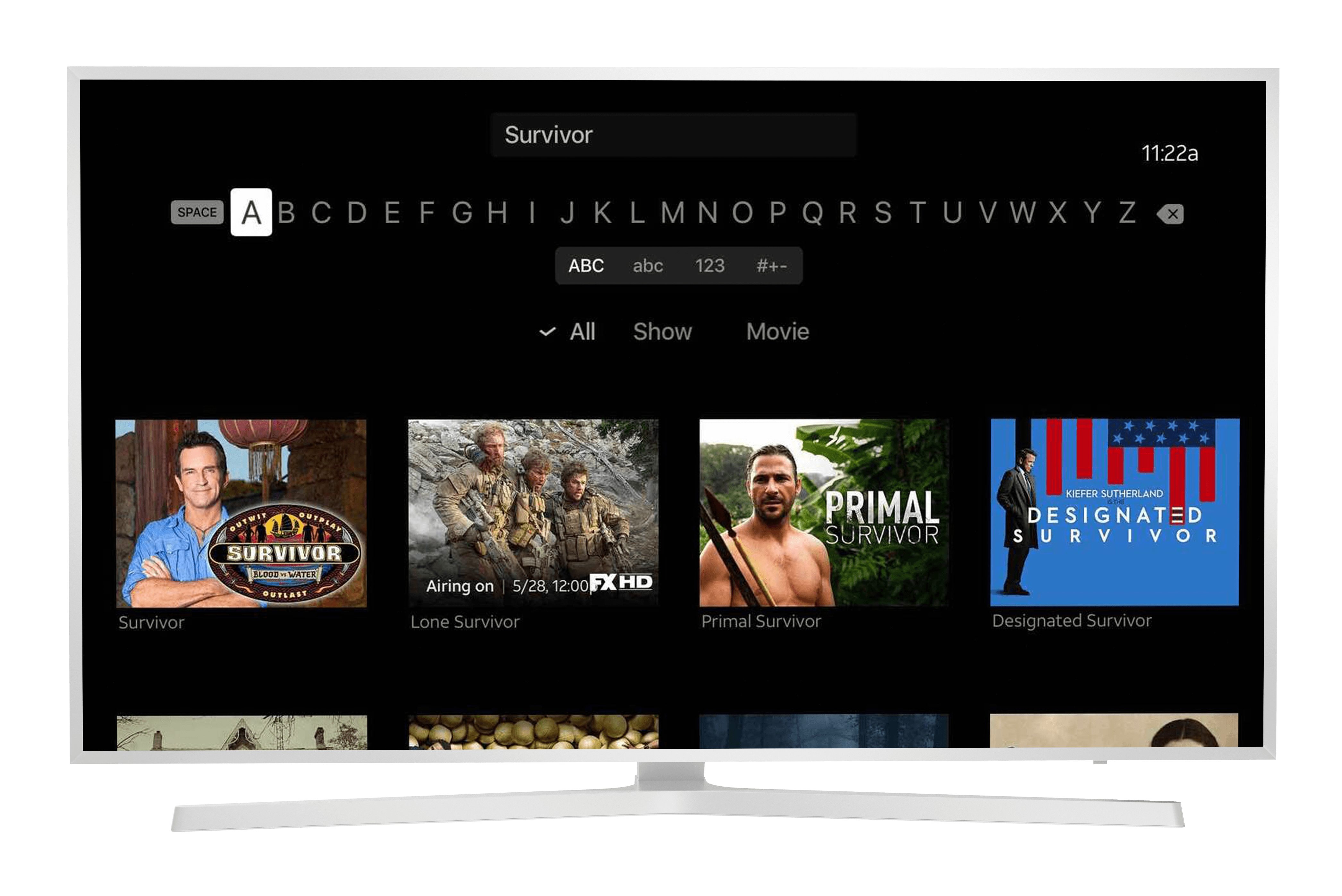
Search - TV